

Refunding Payments
Once a payment has been made, from the Payments > Paid Payments tab, click into a transaction and you'll see this view.
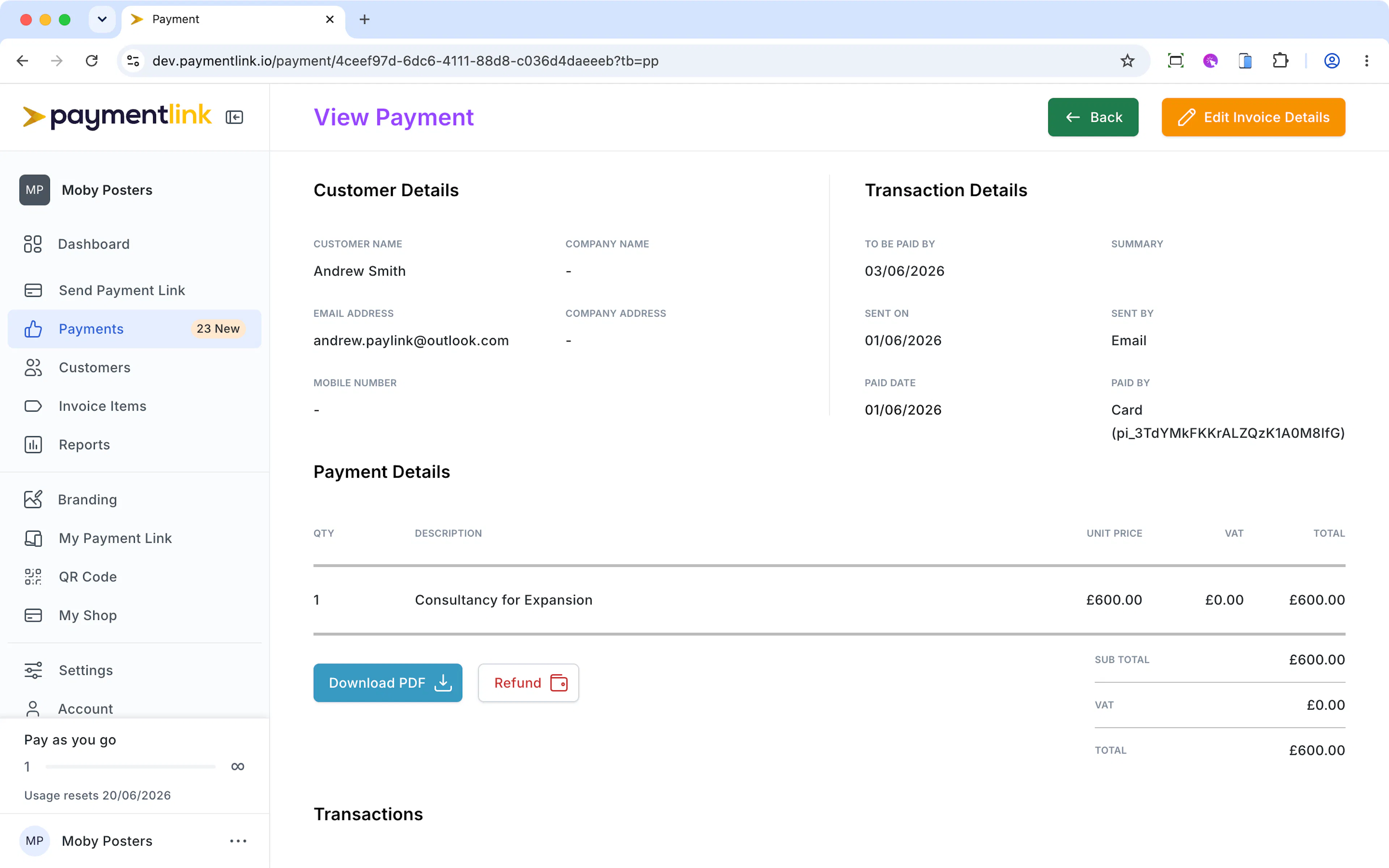
Click the Refund button
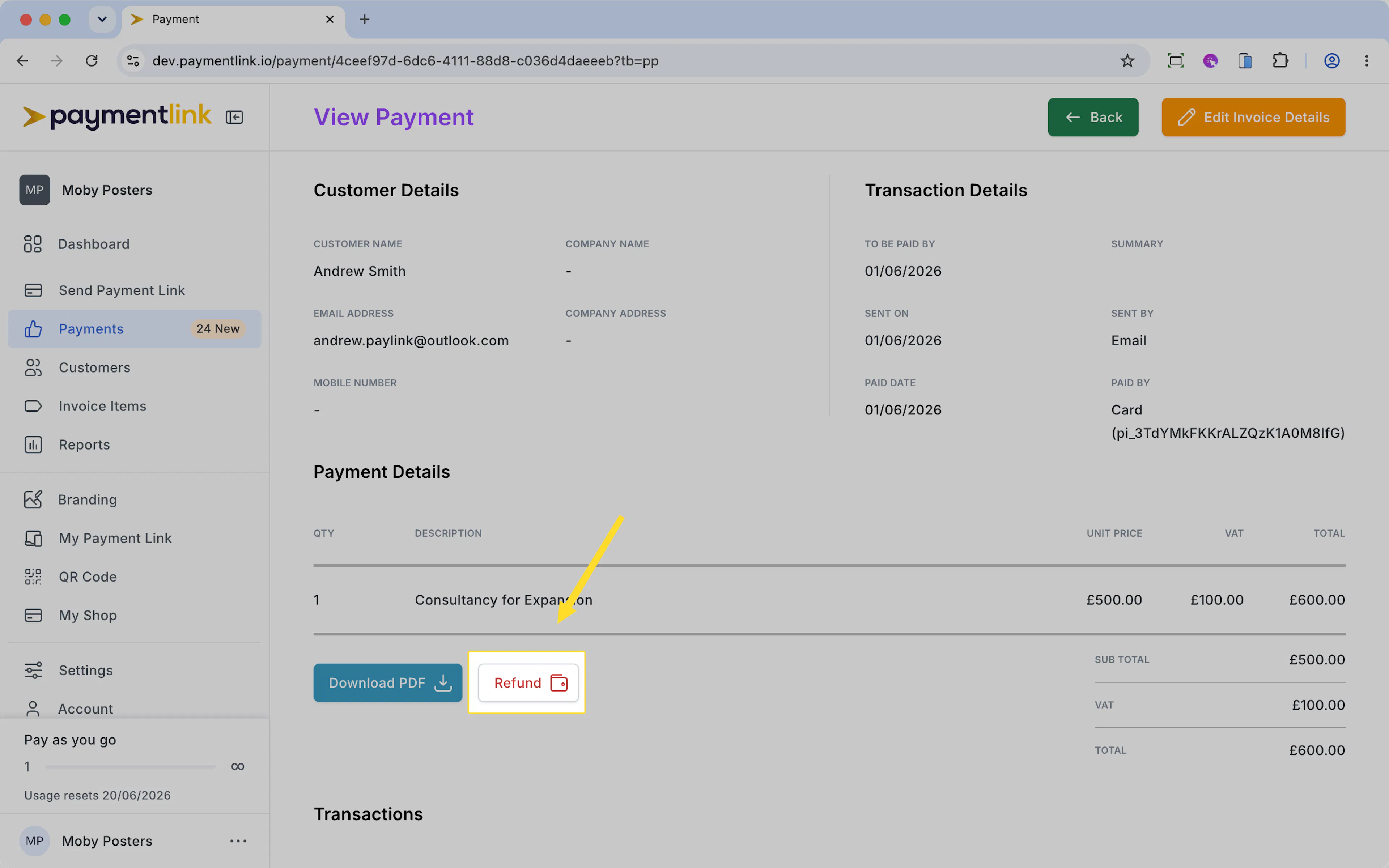
And you'll see this modal appear. Enter the amount you want to refund and click Process Refund.
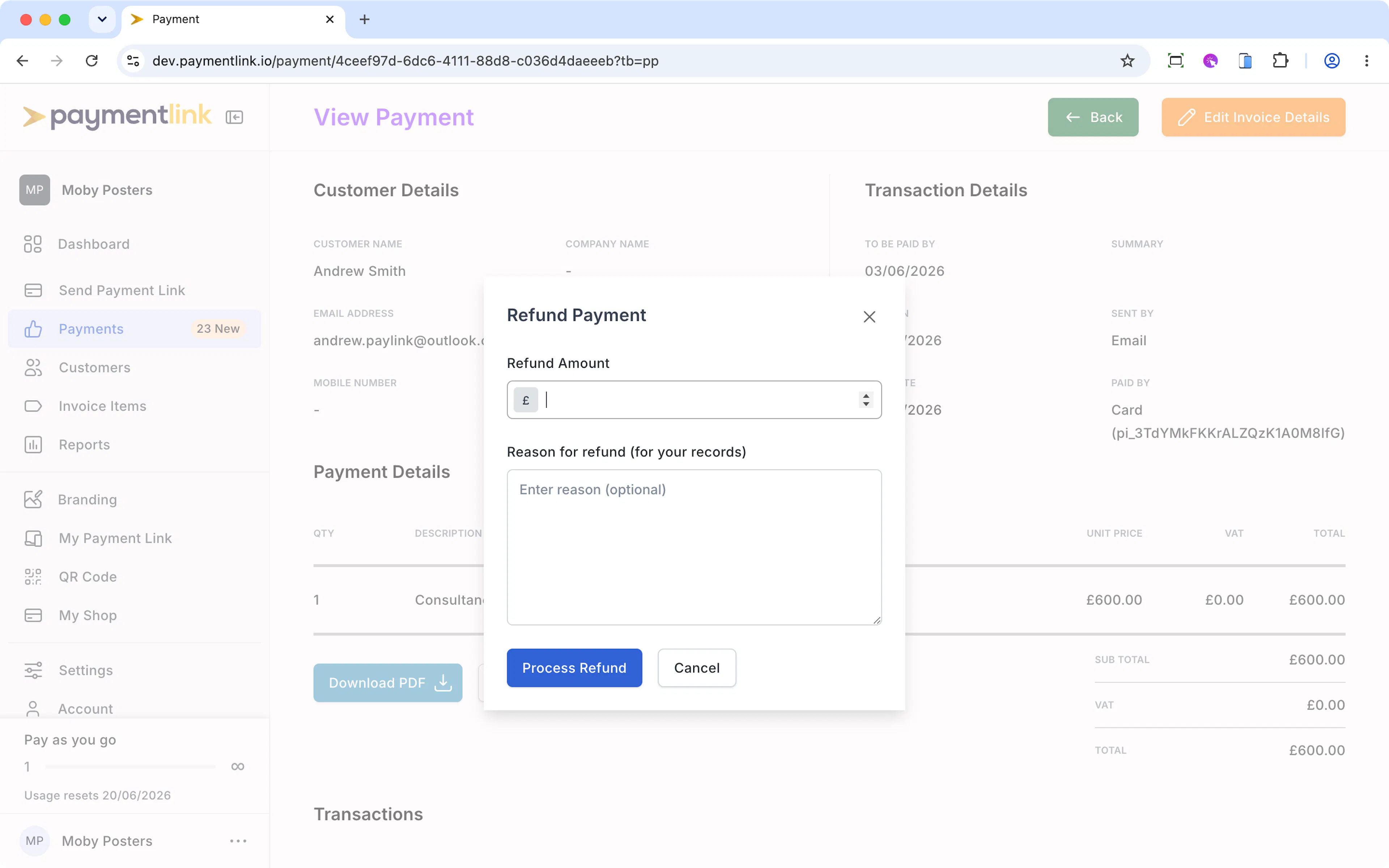
The refund will be initiated and it can take 5-7 days for it to appear in your customers account. Always allow 10 working days.
In order for you to process a refund, you must have a balance in Stripe. What this means is that if you've taken payments recently and Stripe has not paid you out as yet, the refund will be processed from that balance.
If Stripe has paid you recently and you have zero balance in Stripe, it will wait 1-2 days to see if any money comes in. If it doesn't you'll have to top up your account by logging into Stripe.com. You'll most likely receive emails from Stripe regarding this.
Payment Link has no control over refund times as we do not hold or process any payments you receive. All funds are processed via Stripe.
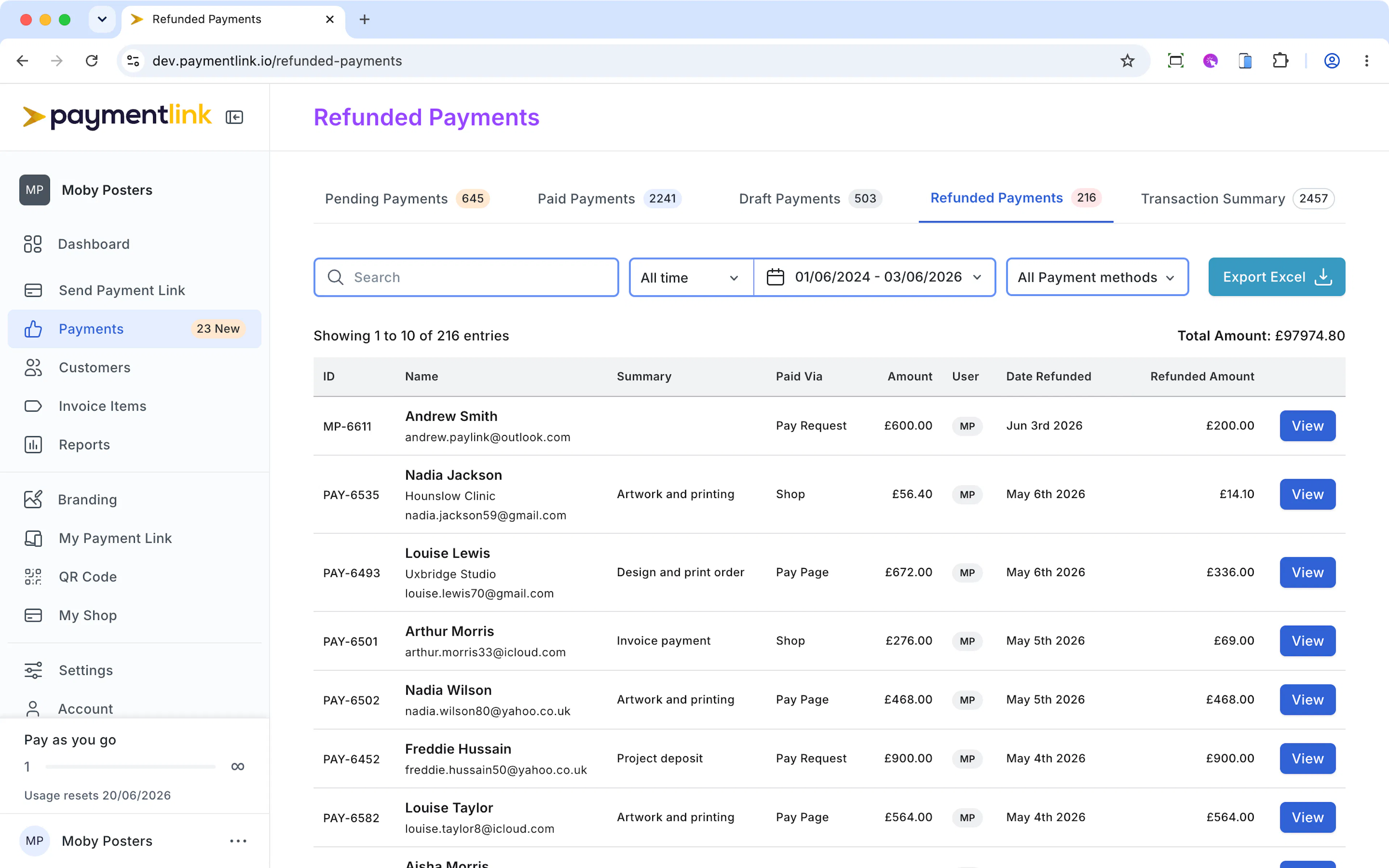
All refunded payments show in the Refunded Payments tab https://app.paymentlink.io/refunded-payments
Last updated today
Built with Documentation.AI