

Adding Team Members
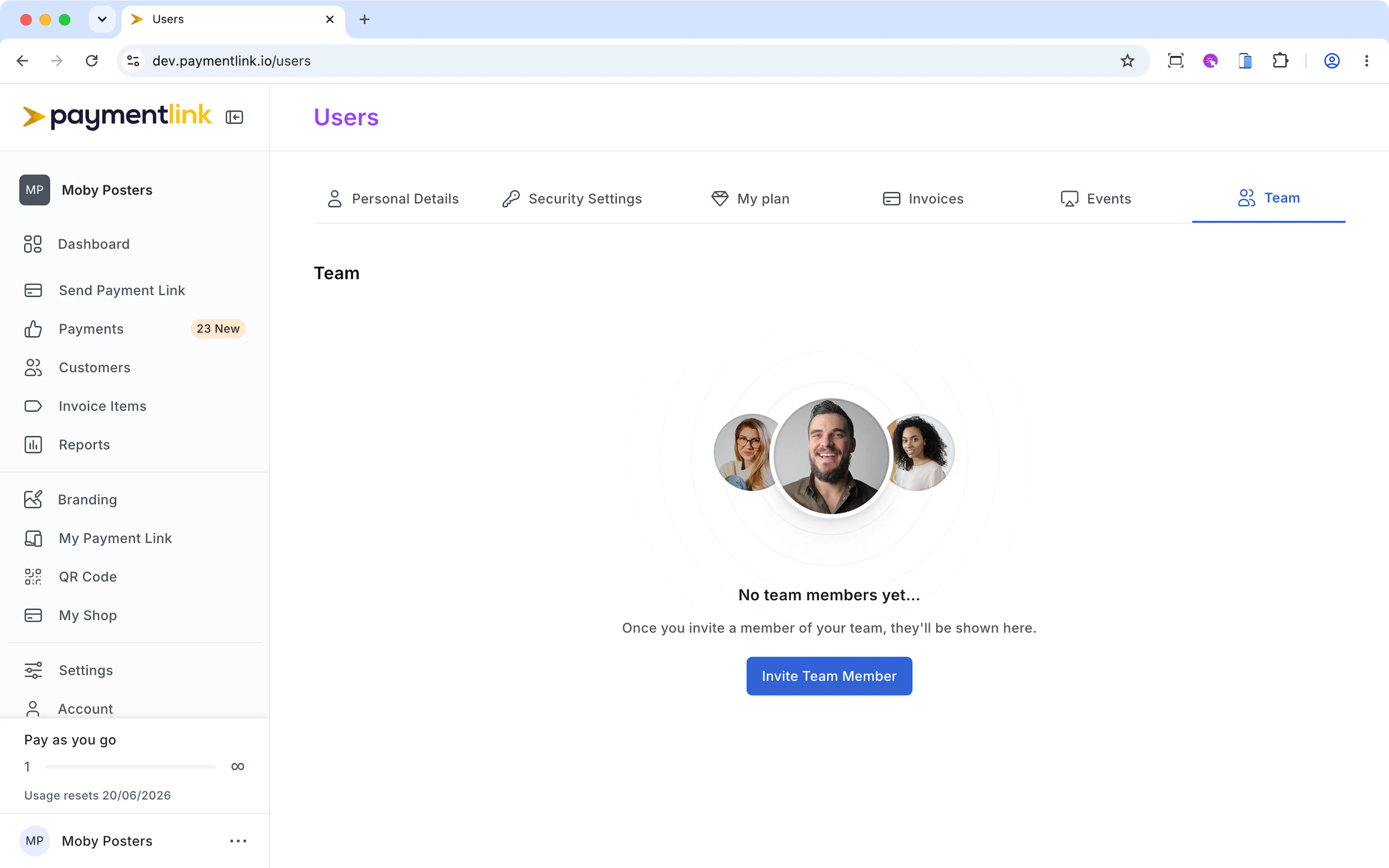
If you want different members of your team to be able to take payments, you can add them by going to https://app.paymentlink.io/users
Click "Invite Team Member", and add their details. They'll receive an invitation by email. If they haven't received the email in their inbox, always check junk/spam.
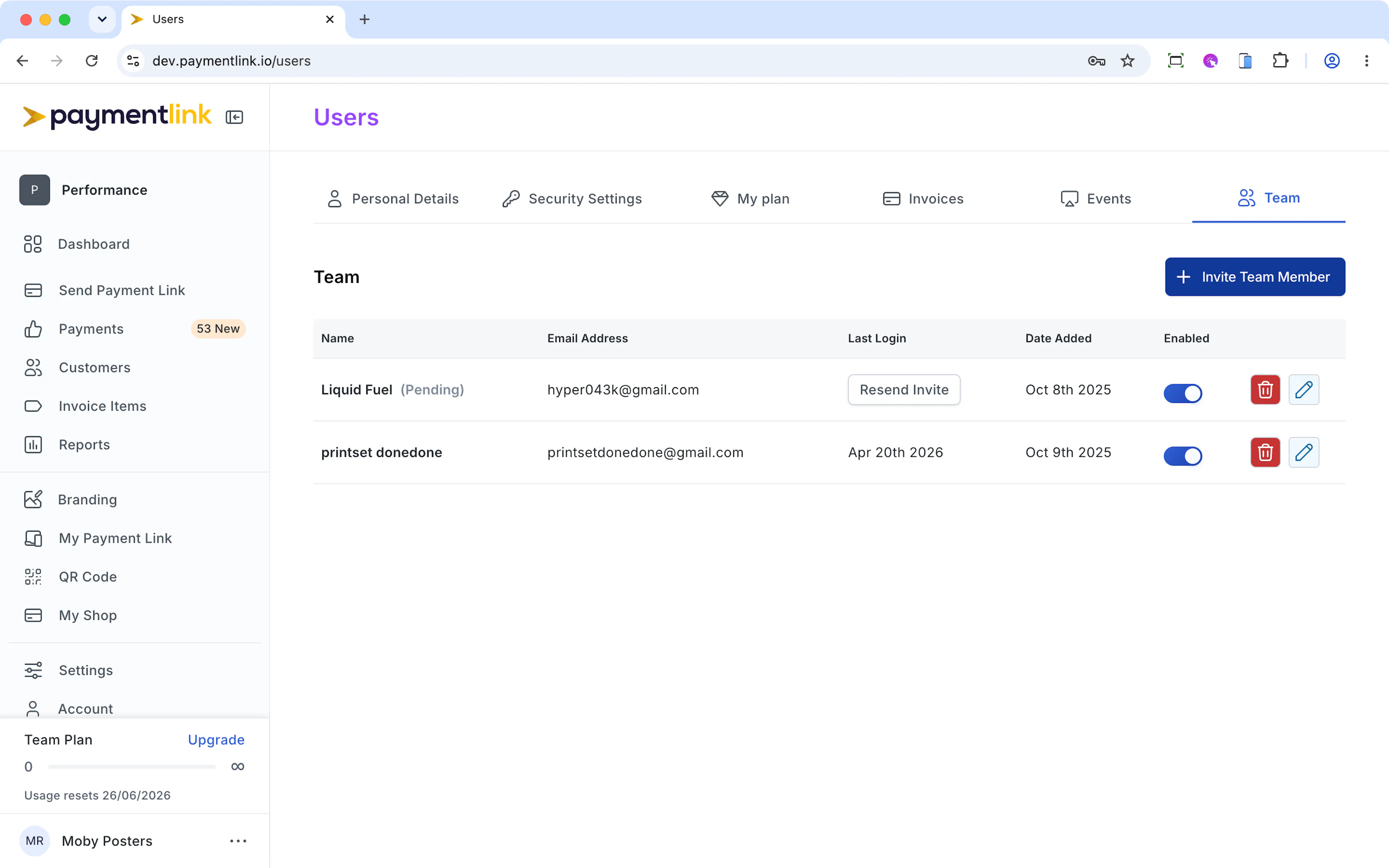
Any payment forms your team members send, they'll receive the payment confirmation in their email. All team member can see the status of payments for the entire team in the dashboard.
This is what your Team page will look like once you've added members. You can toggle access, delete users and resend invites.
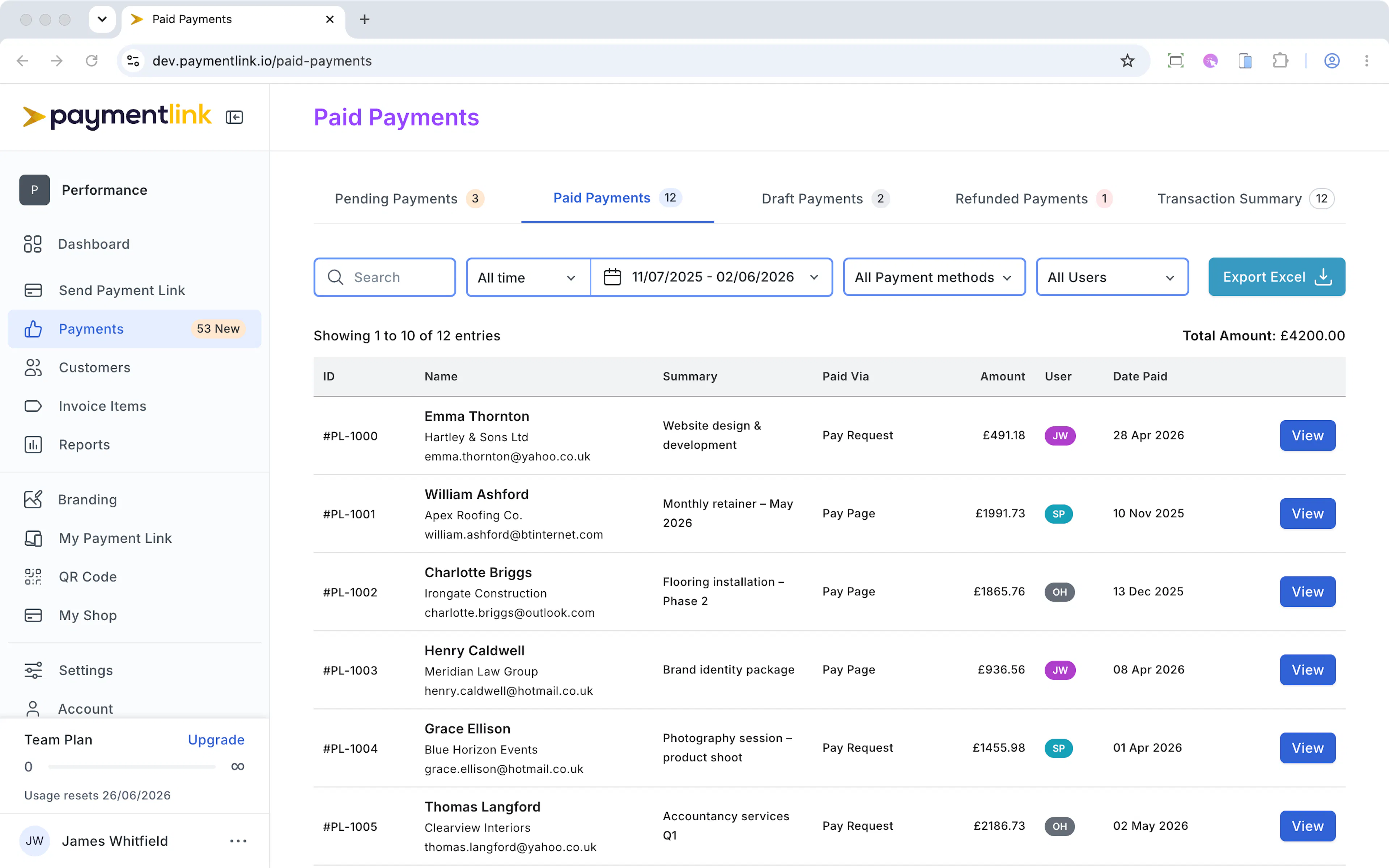
The Payments page will indicate which user has initiated which payment with their initials. This is useful for when staff are off or have left, you can easily follow up on payments.
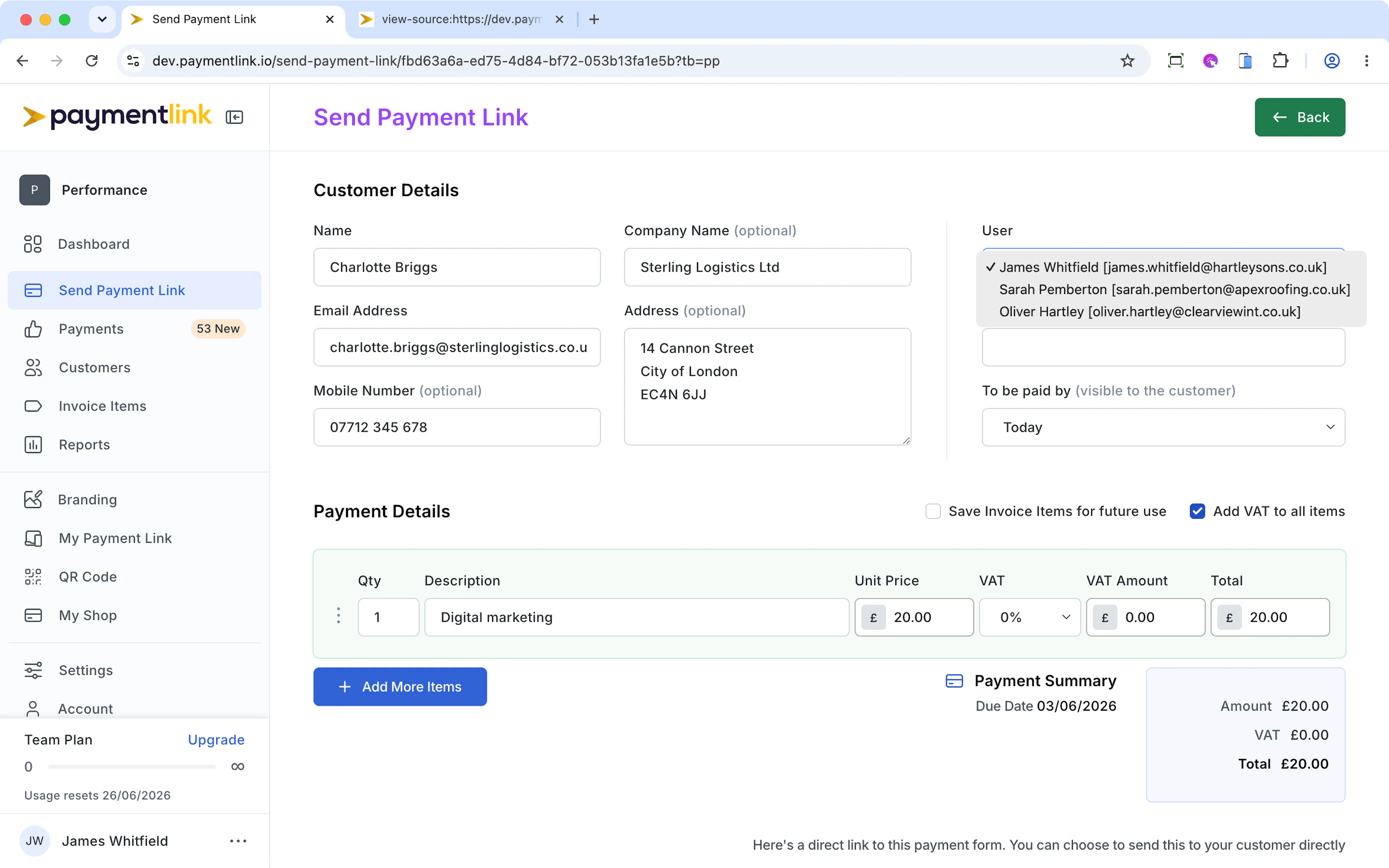
If you have pending payments from a user and you want to assign it to another user, just edit that pending payment and change the User
Last updated today
Built with Documentation.AI