

Disabled Payment Page
If customers have told you they cannot make payment, please read the below.
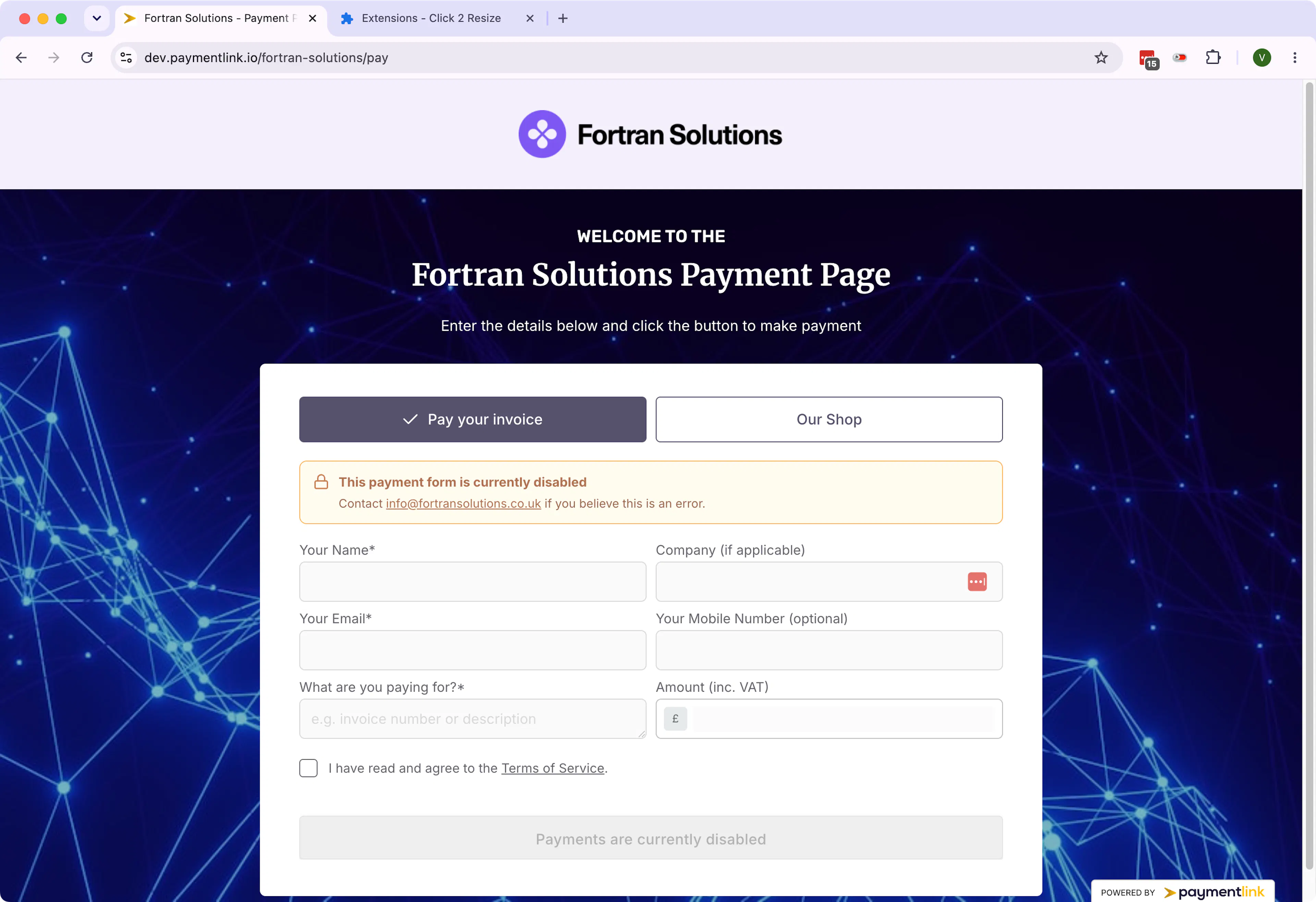
If your page shows a disabled banner and the input fields are disabled as well as the pay button
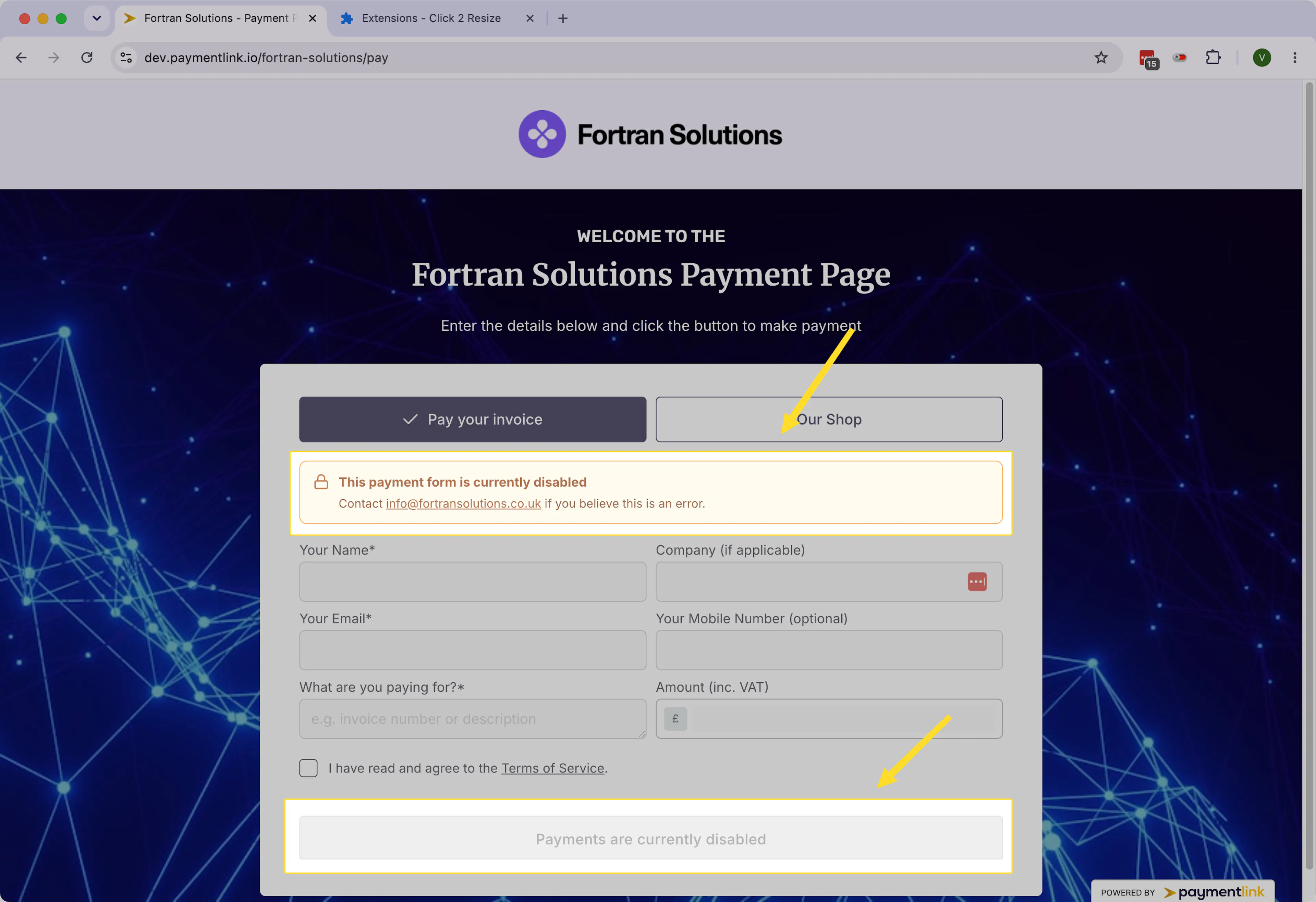
This will happen only in 3 scenarios;
-
You have not connected Stripe after onboarding. Visit https://app.paymentlink.io/settings/payment-gateway and click the "connect" button to start the onboarding process
-
Your Stripe account has disconnected in error. Visit https://app.paymentlink.io/settings/payment-gateway to reconnect your Stripe account
-
Your Subscription has been cancelled or payment has been declined. Please click here to check the status of your subscription https://app.paymentlink.io/my-plan
If none of these apply then please contact our support asap https://app.paymentlink.io/get-support
Last updated today
Built with Documentation.AI